

Teams are available in Business and Enterprice licenses.
Creating a Team
Only administrators can create teams, and add or remove users.
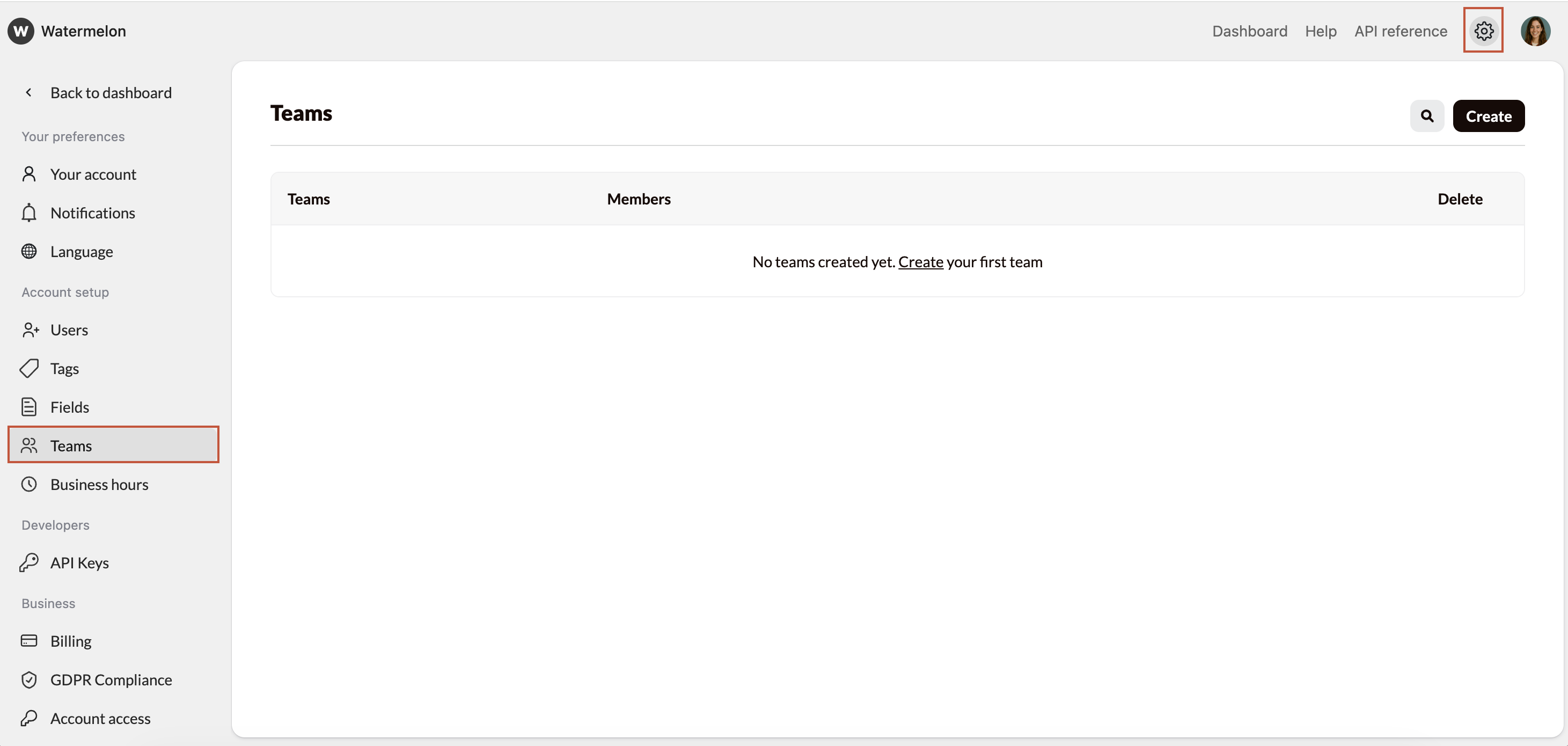
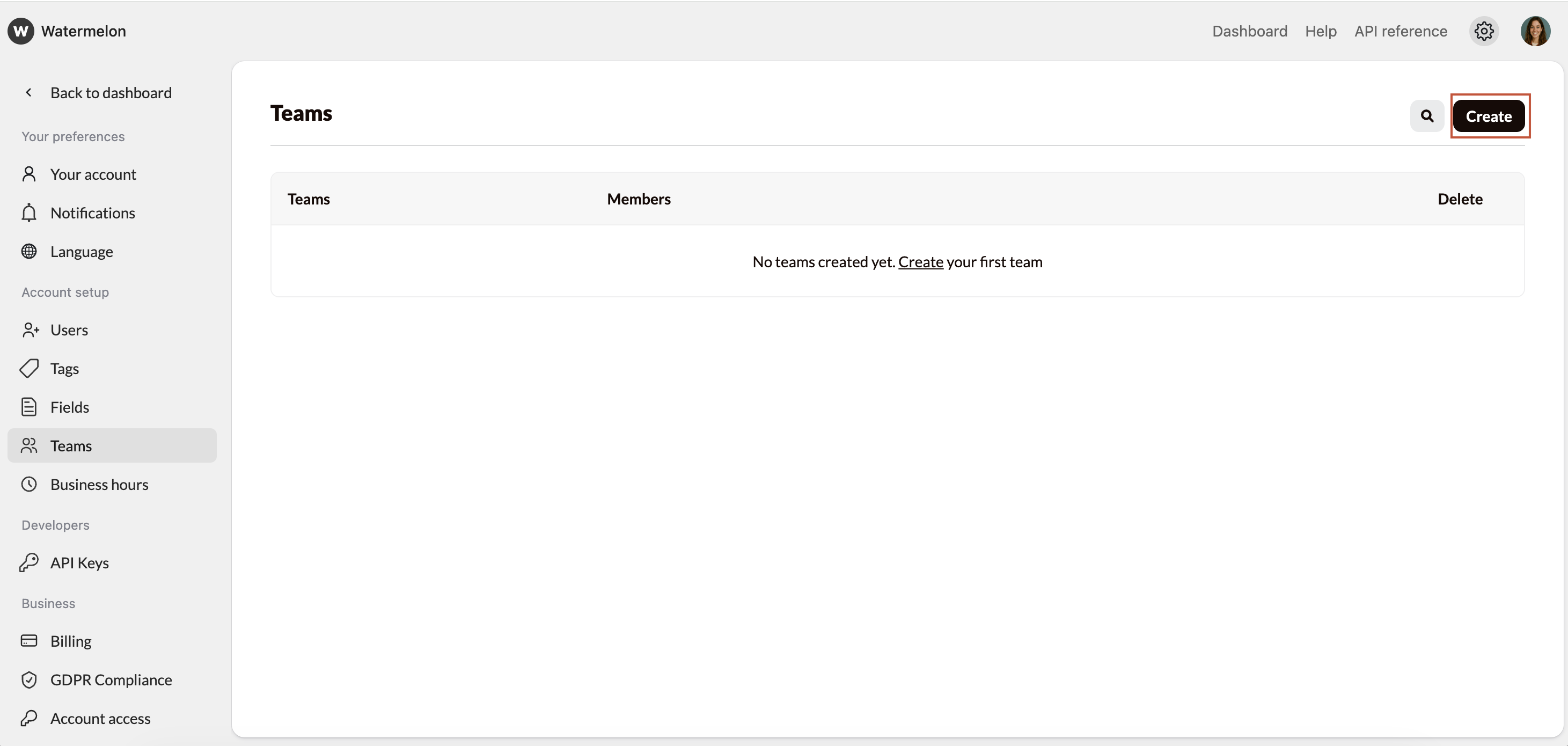
Add Members
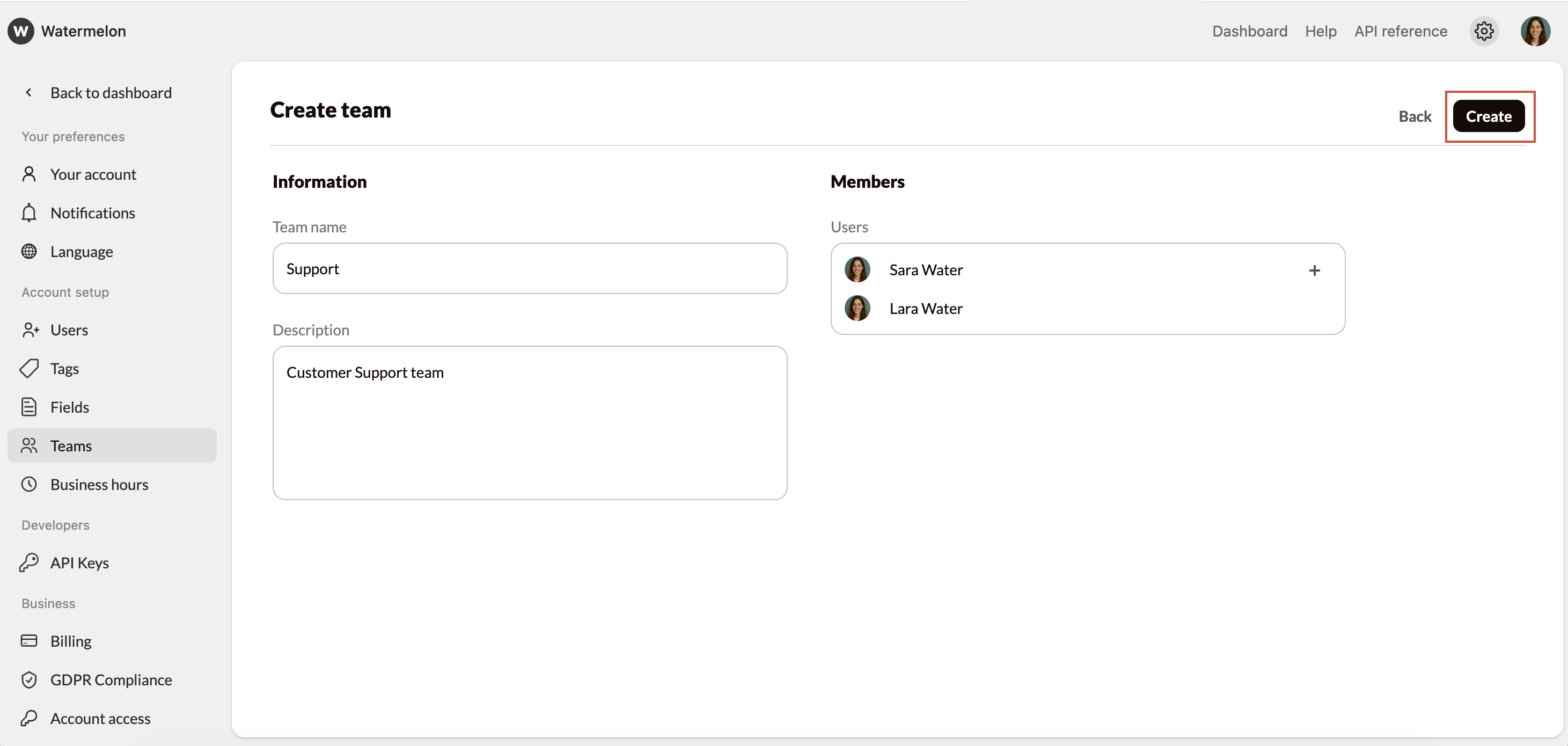
- Enter a team name and (optional) description
- Under Users, select the team members who should be part of the team.
- When all members are added, click Create.
You are added automatically, since every team requires at least one member.
Your team is ready!