

Automate fields
Automate fields lets your AI Agent pull values like order numbers, customer IDs or subscription details from the conversation and place them directly in the right custom field. This way, the contact profile is filled automatically based on what the user shares.Enable Automate fields
To allow your AI Agent to automatically extract information from the conversation and store information in your custom fields, open Fields and open the tab Automate fields. There, enable this feature by selecting On.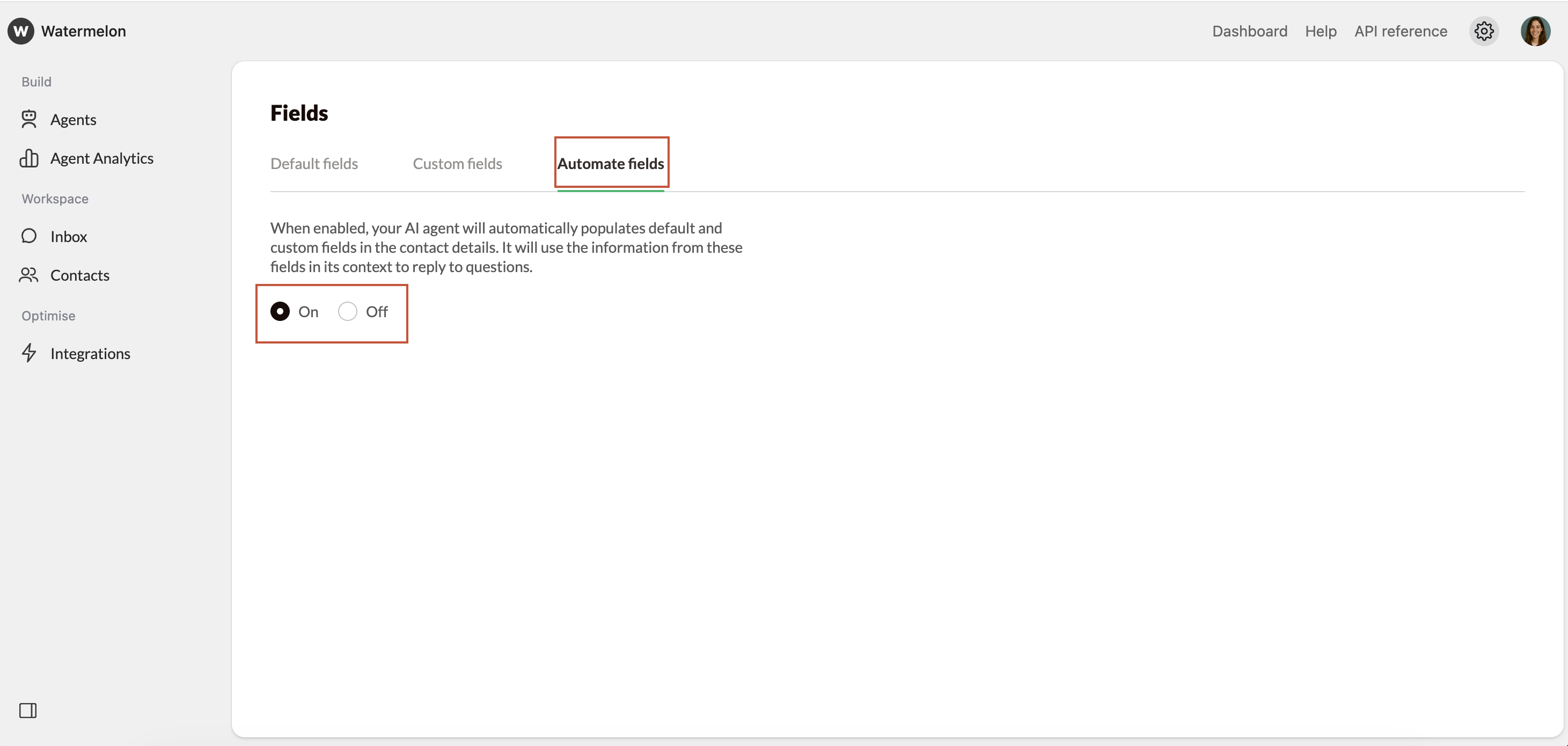
How does it work?
Automate fields works with prompts that you attach to your custom fields:- You create a custom field (for example: Order number or Customer ID).
- You add a short prompt to that field that explains what the AI Agent should look for.
- During the conversation, the AI Agent follows this prompt, looks for matching information, and places the value in that specific custom field.
The AI Agent only fills fields with information explicitly shared by the user, not AI-generated content.
If a field already has a value and the user clearly shares updated information (for example a new email address or a new subscription number), the AI Agent may overwrite the existing value.