

Select a template
Choose the correct template
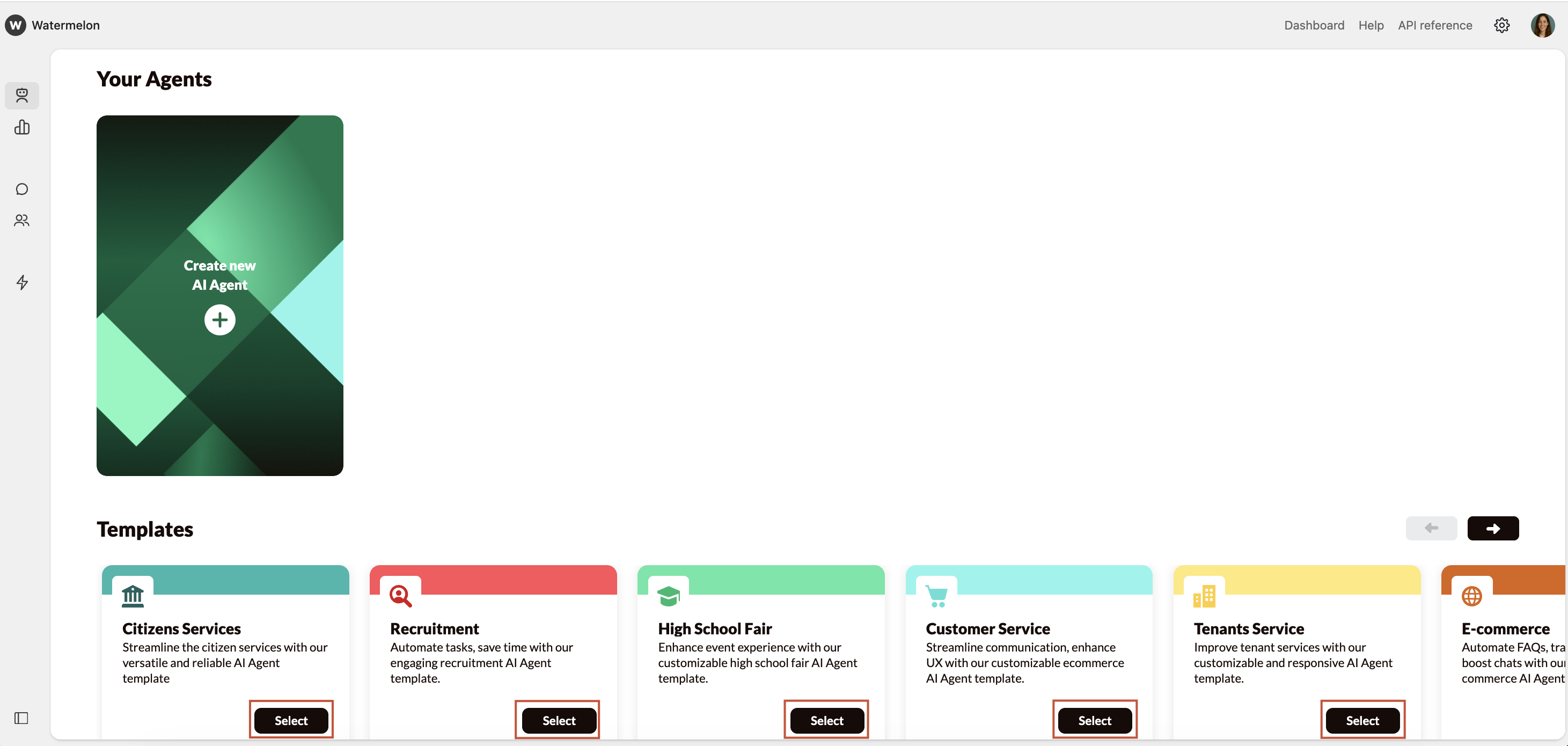
In order to find the best template, you can use the table below: Find your use case below and see which template matches best.| Template | Use case | Perfect for |
|---|---|---|
| Citizens Services | Automate FAQ’s about municipalities Formal tone of voice | Municipalities Government agencies (e.g., tax offices, employment services) Public service desks |
| Customer Service | Automate FAQ’s Service oriented Informal tone of voice | Webshops Travel and airline services |
| E-commerce | Automate FAQ’s Follow orders Commercial oriented communication | Online stores (fashion, electronics, lifestyle, beauty) Subscription-based services or marketplaces |
| High School Fair | Automate FAQ’s Focussed on organizing an event Informal tone of voice | Schools, universities, and educational institutions Event organizers focused on students or study choices Study fairs and education platforms |
| Tenants Service | Automate FAQ’s from tenants Automate FAQ’s from landlords | Housing corporations Property management companies Rental platforms |
| Recruitment | Automate FAQ’s about job openings | Recruitment and staffing agencies Corporate HR departments Public sector organizations hiring at scale |