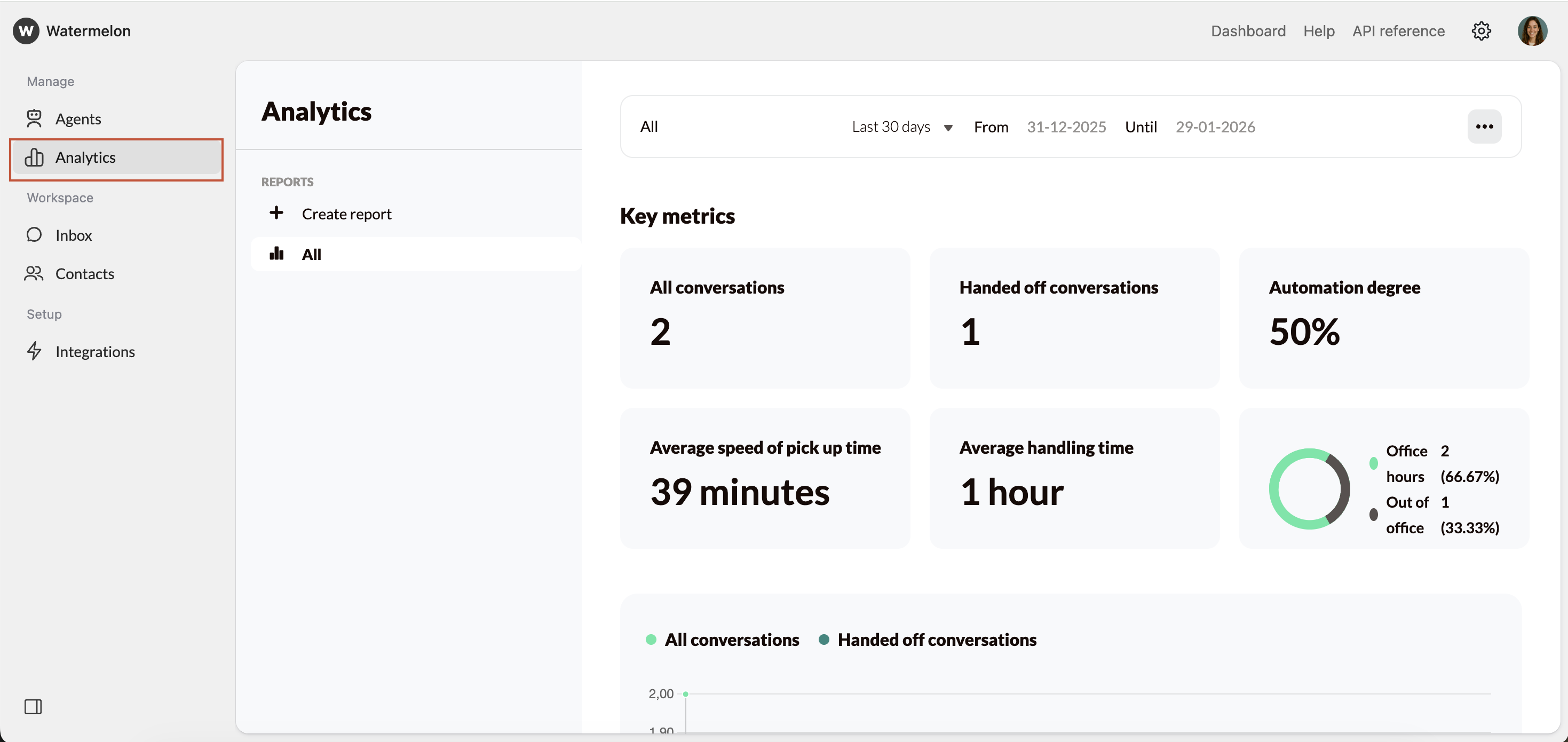
Skip to main content Where to find AI Agent Analytics In your Watermelon workspace, navigate to Analytics on the left-hand menu.
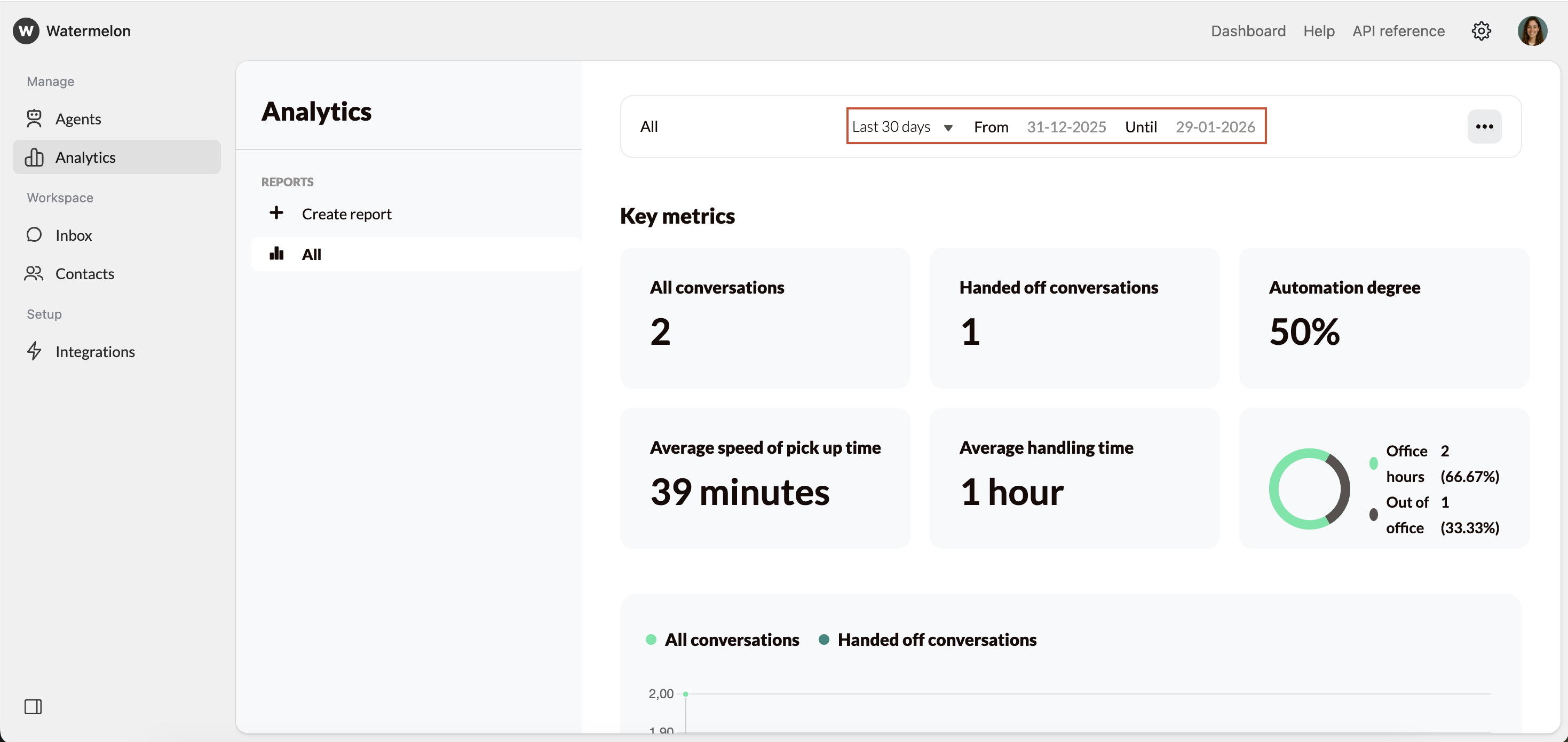
Select date range First, select the date range you want to analyse. Use the dropdown and select the date range, or manually select the data.
Key metrics You’ll see key metrics that summarise your conversations and automation performance:
All conversations The total number of conversations in the selected period. This helps you understand your overall volume.
Handed off conversations The number of conversations handed over from the AI Agent to a human agent. Use this to see how often live support is needed.
Automation degree The percentage of conversations that were fully handled by the AI Agent, without needing a human handover.
Average speed of pick up time How long it takes on average for a conversation to be picked up by a human agent after handover.
Average handling time The time it takes to fully complete a conversation from start to finish.
Office hours vs. out of office A breakdown of conversations during and outside office hours.
All conversations and handed off conversations A visual of the amount of all conversations and handed off conversations per period for the selected date range.
Conversation topics What tags were used and the count of those tags.