

Using the Playground

Open the Playground
Within the Agent menu, select the Playground. Here you’ll find useful tips, functionalities, and limitations to help you get the most out of your testing.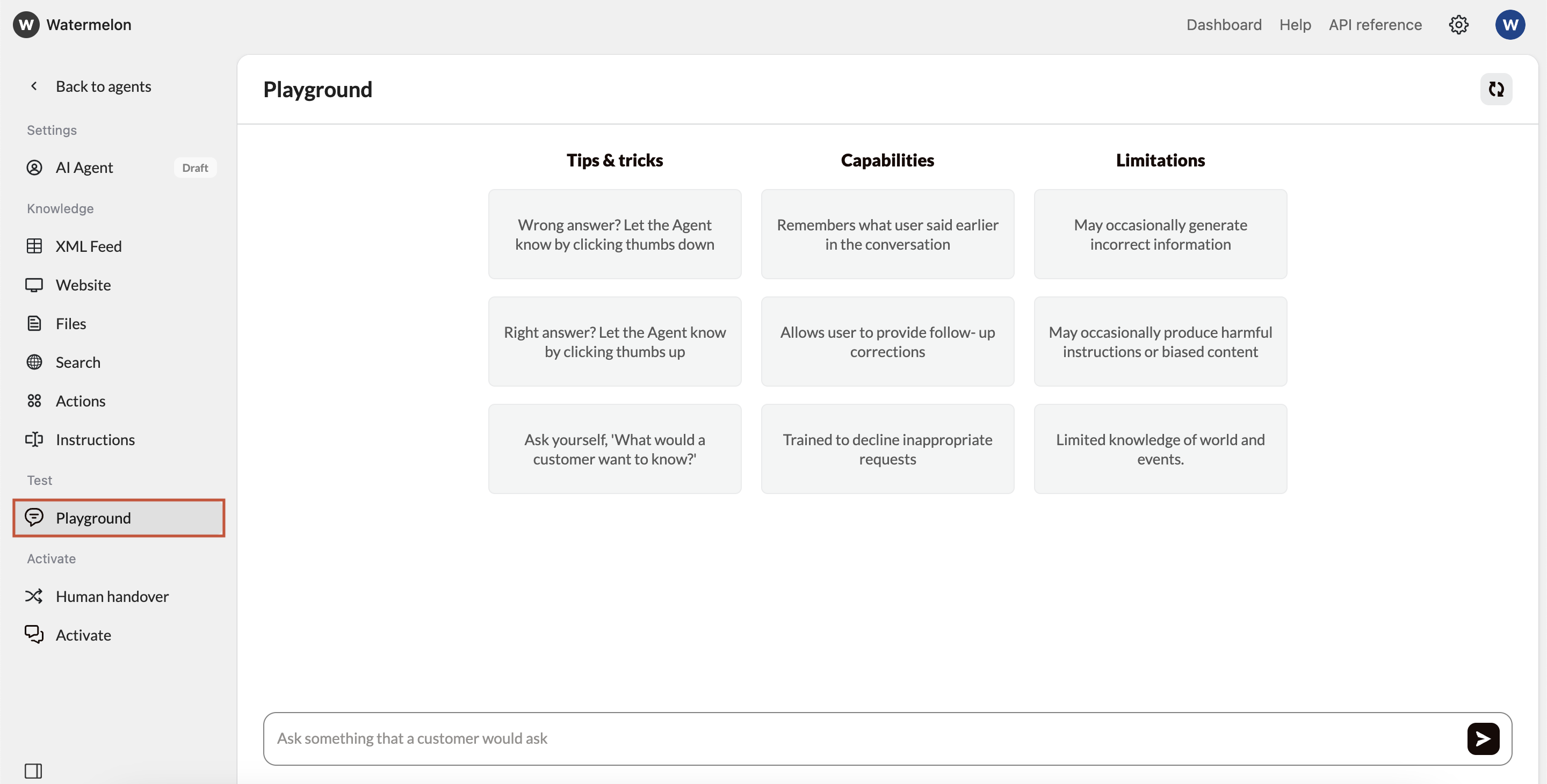
Start Testing
Now you can send messages to your AI Agent, as a customer would.
- Try to imagine what questions your customers might ask your AI Agent.
- Type a question and press Enter to see how your AI Agent responds based on its Domain Knowledge and Instructions.
- Below each response, you’ll see which sources the Agent used to generate its answer.
- Ideally, test your agent with 50-100 frequently asked end-user questions before going live.
Conversation forwarding does not function inside the Playground. You can still test how your AI Agent reacts to triggers, but conversations aren’t actually sent to the Inbox until the Agent is live.
Provide Feedback
Next to each AI Agent response, you’ll see thumbs-up and thumbs-down icons.• Click the thumbs-up if the answer is correct.• Click the thumbs-down if it needs improvement.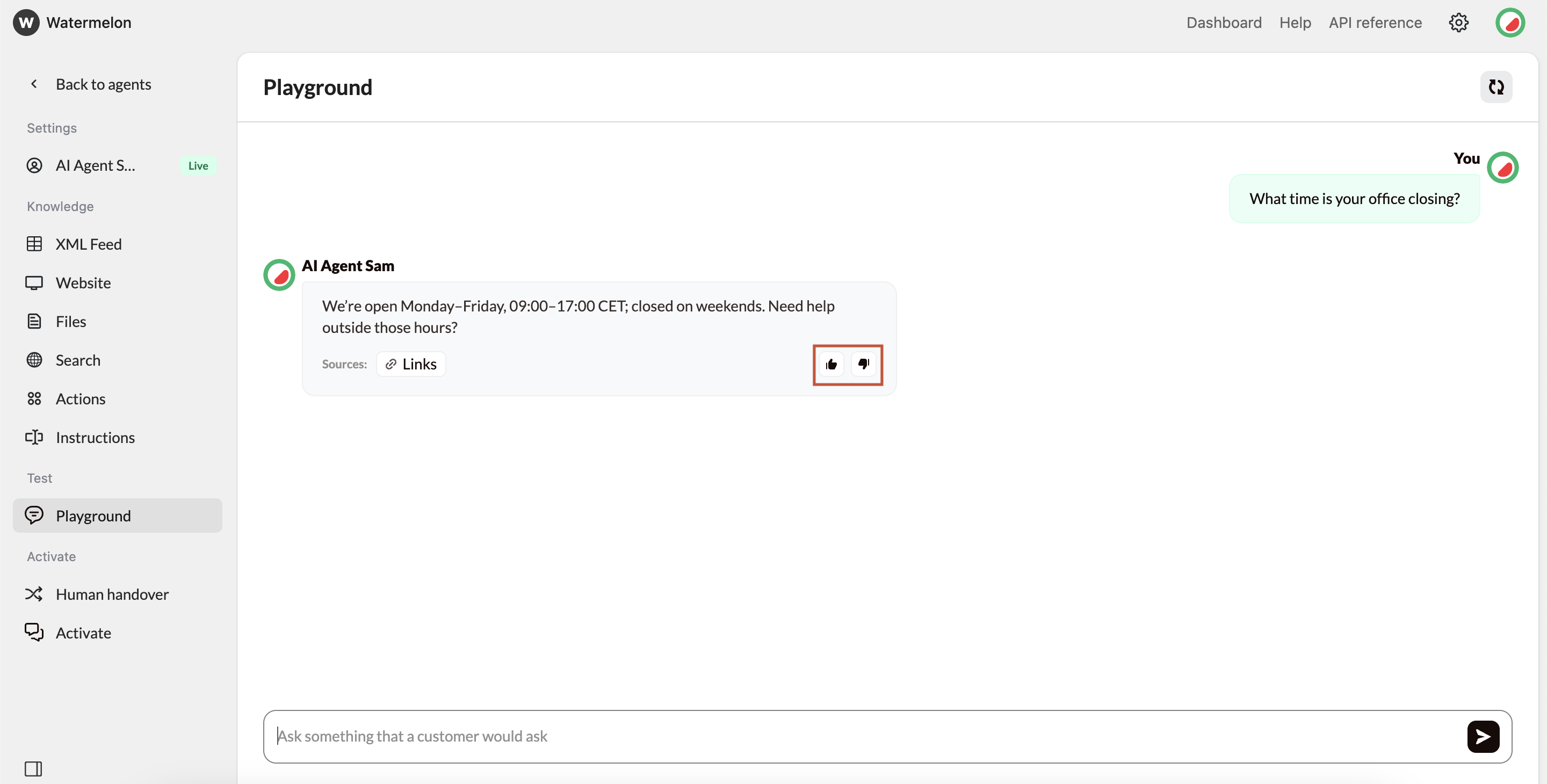
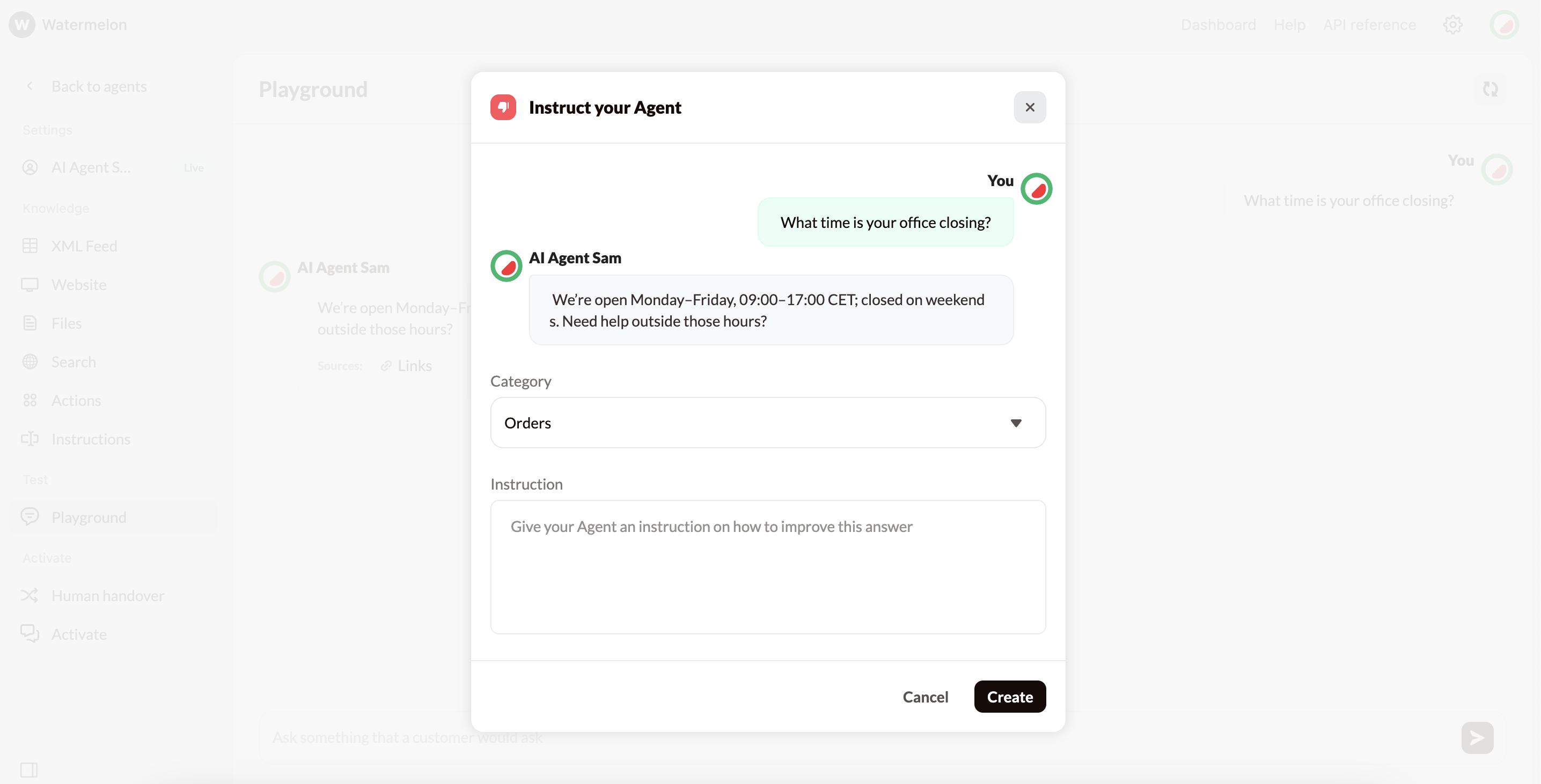
- Choose the category for the new instruction (or create one).
- Add information explaining how to improve the response next time.
For best results, write this as an instruction, not the literal response you want to see.
The instruction given will not carry the context from the test conversation, so it is important to provide it, for example:
“If the customer asks about returns, mention that returns are possible at their nearest Company store as well as online.”
“If the customer asks about returns, mention that returns are possible at their nearest Company store as well as online.”