For these analytics you need:
- An active Watermelon license (any license will do)
- Google Analytics/CMS Statistics already set up
How to measure conversions from your AI Agent
There are two reliable ways to track conversions from your AI Agent:- Using a unique URL with a UTM tag
- Using a dedicated landing page
When to use each method
Choose a unique URL with UTM tags if:- You already use Google Analytics and are familiar with campaigns and reports.
- You want to track multiple goals (for example quotes, demo requests, and purchases) using the same pages.
- You want to compare traffic from the AI Agent with other sources like email or ads.
- You don’t want to create new pages on your website.
- You want a simple setup without working with UTM tags.
- You only need to measure one specific conversion, such as quote requests.
- You want to clearly attribute all visits on a page to the AI Agent.
- You prefer using basic CMS or website statistics instead of Google Analytics campaigns.
Method 1: Unique URL with UTM tag
A UTM tag is extra information added to a URL. It allows tools like Google Analytics to identify where visitors come from and how they reached your website.Create a UTM Tag
Use the Google UTM Builder and fill in the fields: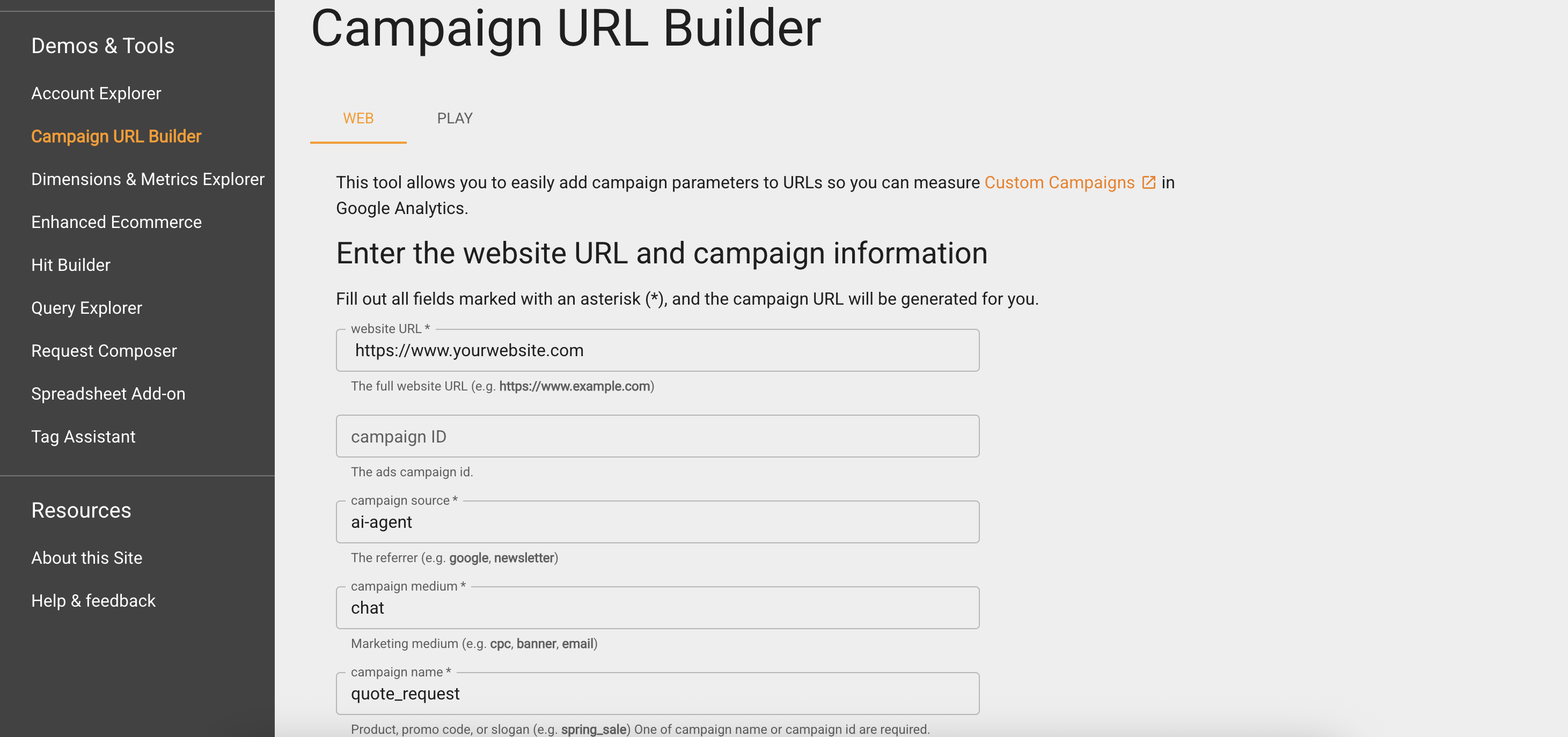
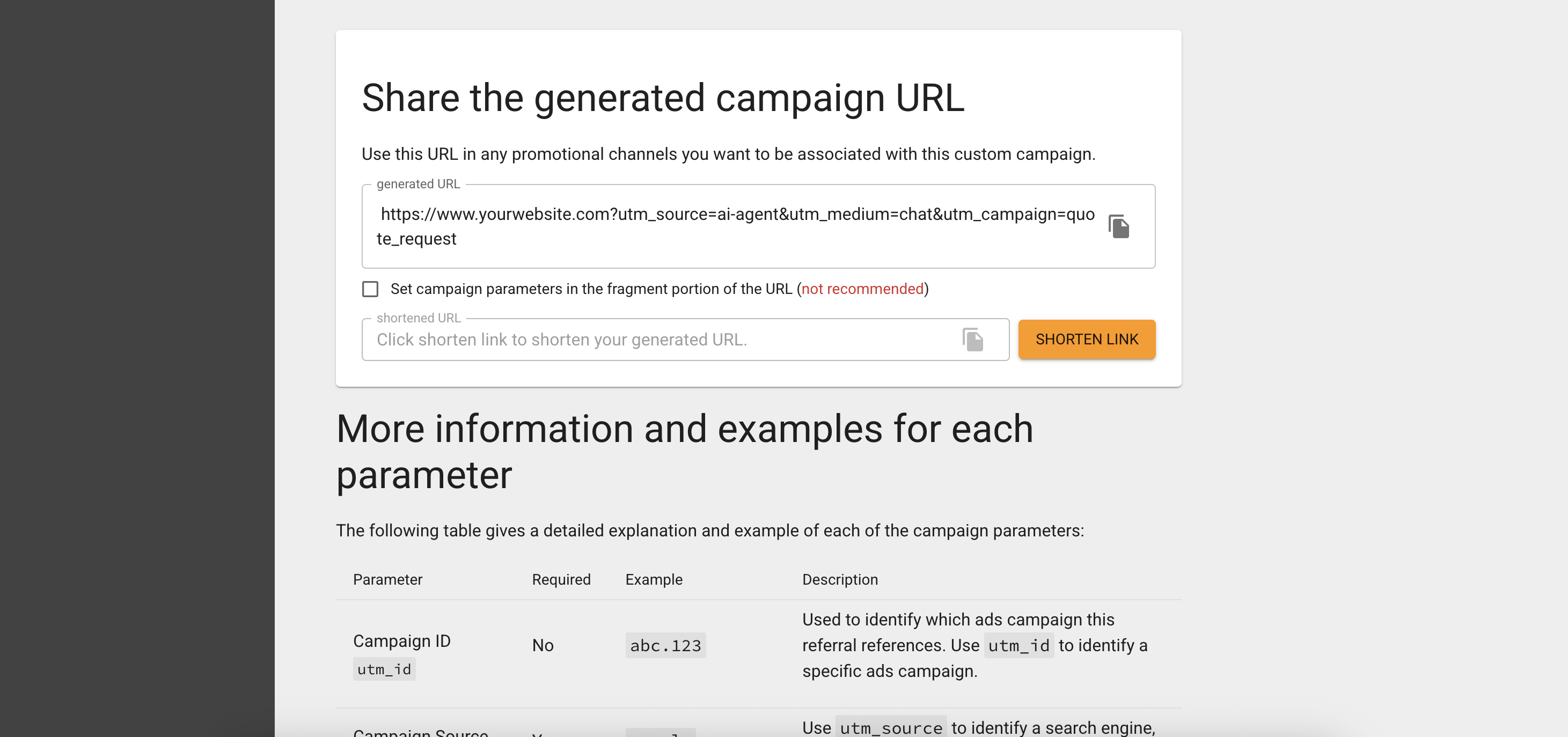
- Website URL: The page you want to track, such as a quote request or purchase page.
- Campaign source: ai-agent (to identify traffic from your AI Agent).
- Campaign medium: chat (or any label you prefer).
- Campaign name: quote_request (or another clear description).
Example UTM Link: https://www.yourwebsite.com/quote?utm_source=ai-agent&utm_medium=chat&utm_campaign=quote_request
Add the tag to your AI Agent's knowledge
- Open your AI Agent in Watermelon.
-
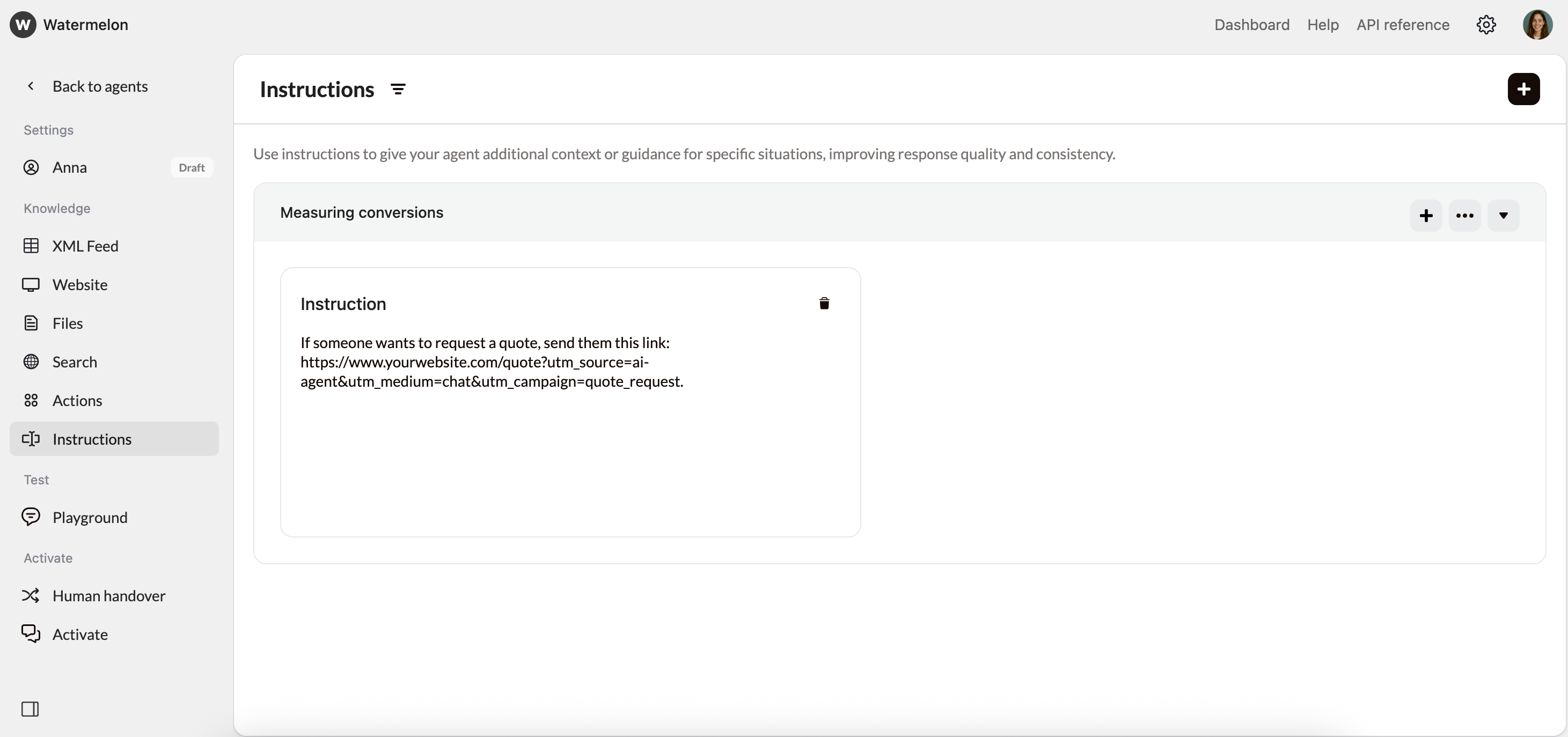
In Instructions, add an instruction specifying when the unique link should be sent and provide the URL. Example instruction:
If someone wants to request a quote, send them this link: https://www.yourwebsite.com/quote?utm_source=ai-agent&utm_medium=chat&utm_campaign=quote_request.
Method 2: Dedicated landing page
Instead of using UTM tags, you can also create a landing page that is only shared through your AI Agent.Create a dedicated landing page
Create a separate landing page on your website that is exclusively used by your AI Agent. You or your web developer can set this up in your CMS. Example:
https://www.yourwebsite.com/ai-agent-quote
Add the link to your AI Agent's knowledge
- Open your AI Agent in Watermelon.
-
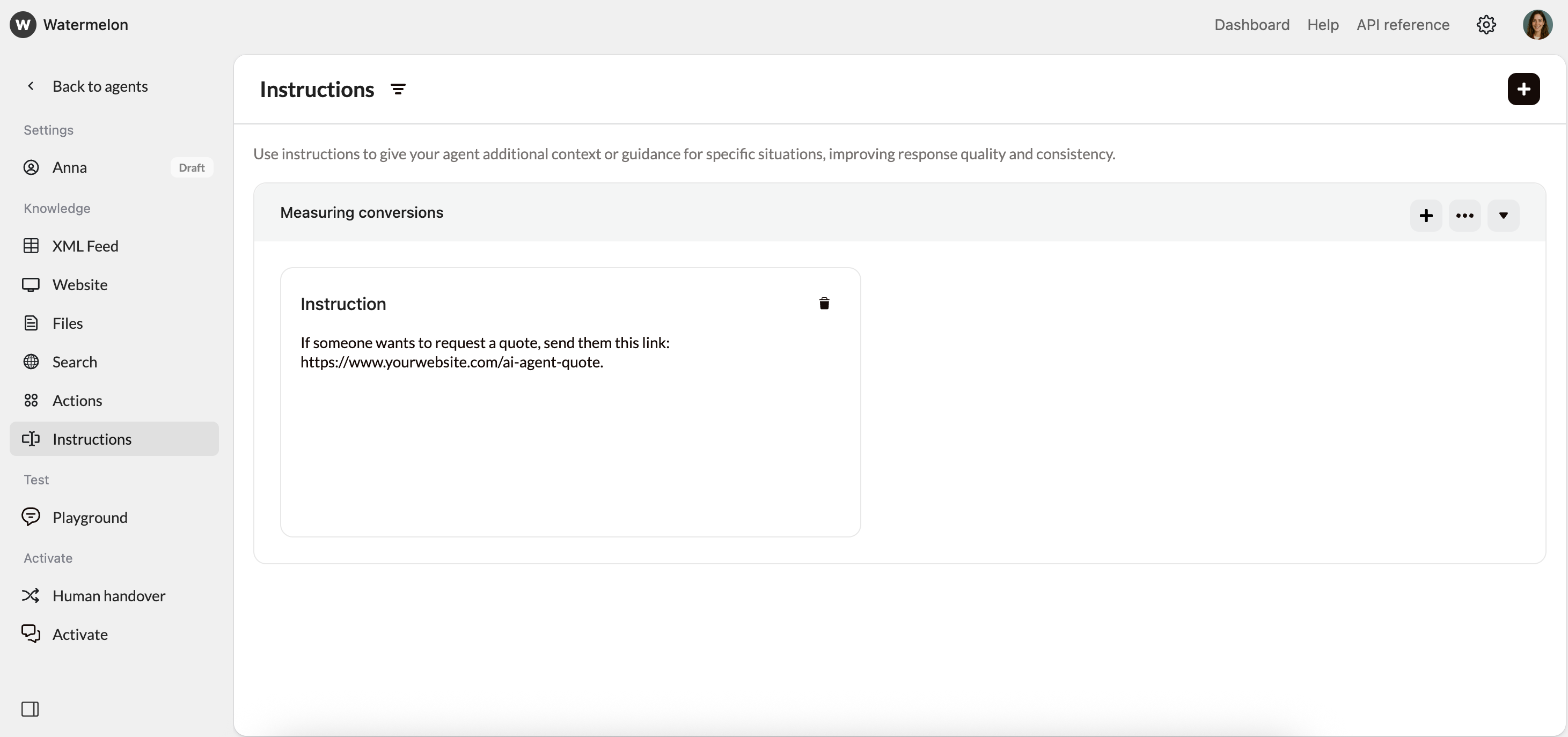
Go to Instructions. Add an instruction that tells the AI Agent when to share the link. For example:
If someone wants to request a quote, send them this link: https://www.yourwebsite.com/ai-agent-quote.