Why Use Tags
Tags make it easier to keep conversations organized and to analyze patterns over time. They can be used for:- Grouping related conversations (e.g., Billing, Technical Issue, Product Feedback)
- Tracking campaign or issue types (e.g., Spring Sale, Bug Report, Feature Request)
- Identifying recurring customer topics
- Filtering or reporting on conversation types in analytics
Create Tags
You can set up Tags by selecting Tags from the far left menu pane. This is the quickest place to add multiple tags when you are getting started, or periodically review and edit for unused tags. You can also create tags as from within a conversation, if a relevant tag is not already available.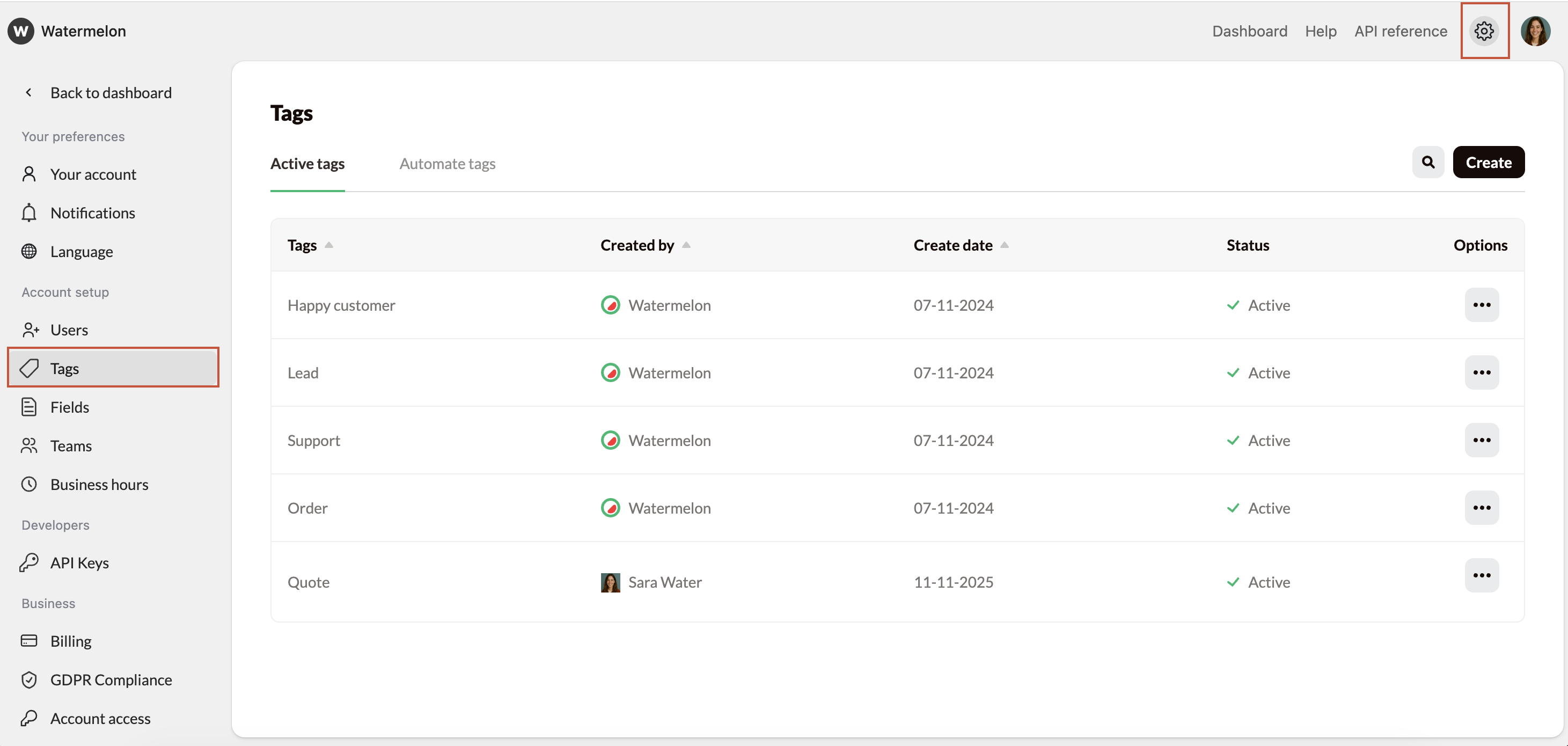
Using Tags
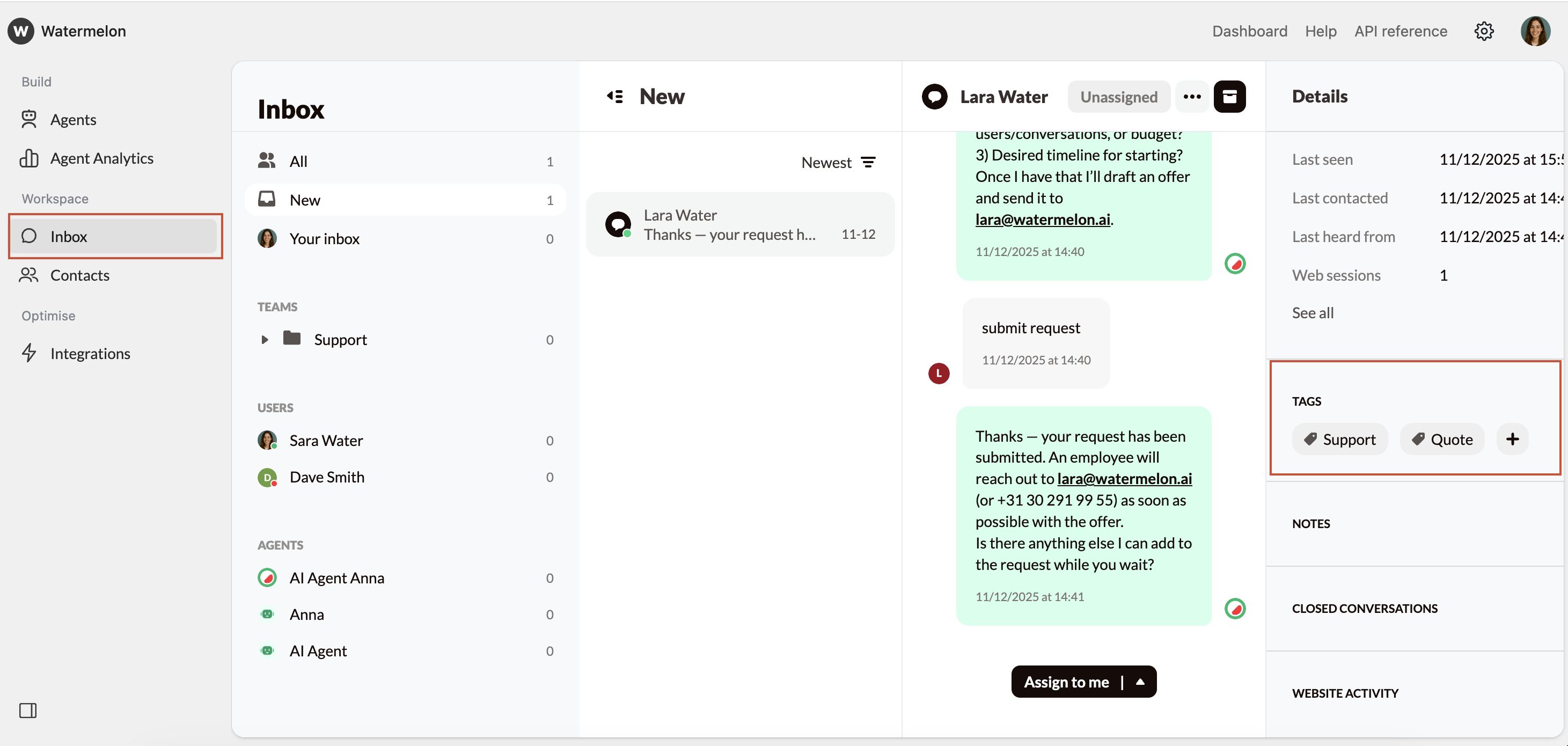
Open Conversation
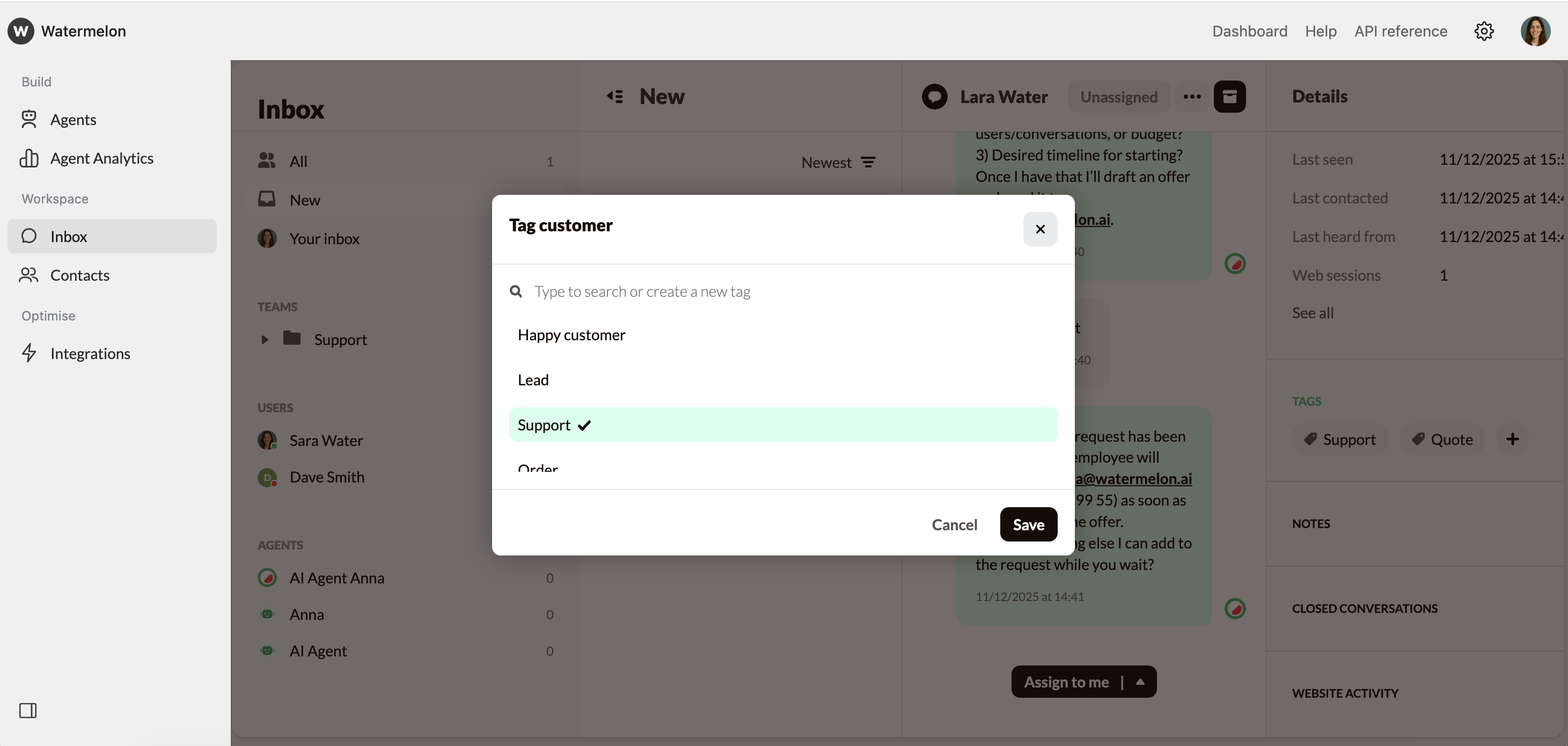
To add tags to a conversations, navigate to your inbox, select the conversation, and open the Tags section in the Details Pane.