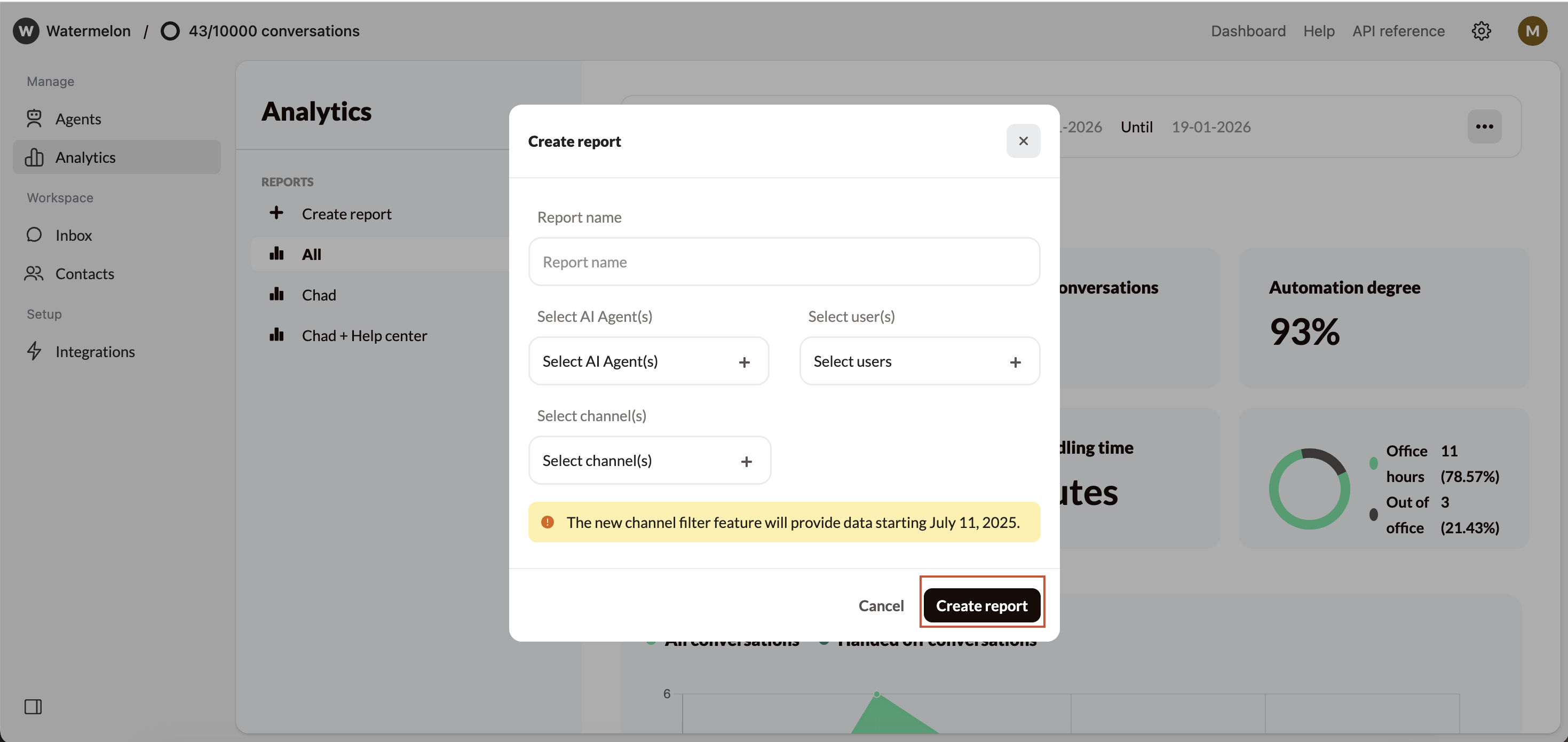
- The Analytics of a specific AI Agent
- Which channel generates the most conversations
- The conversations handled by a specific user or users
Creating a custom report
Create a report
To create a custom report navigate to Analytics in the left-hand menu. Then, click Create report under reports.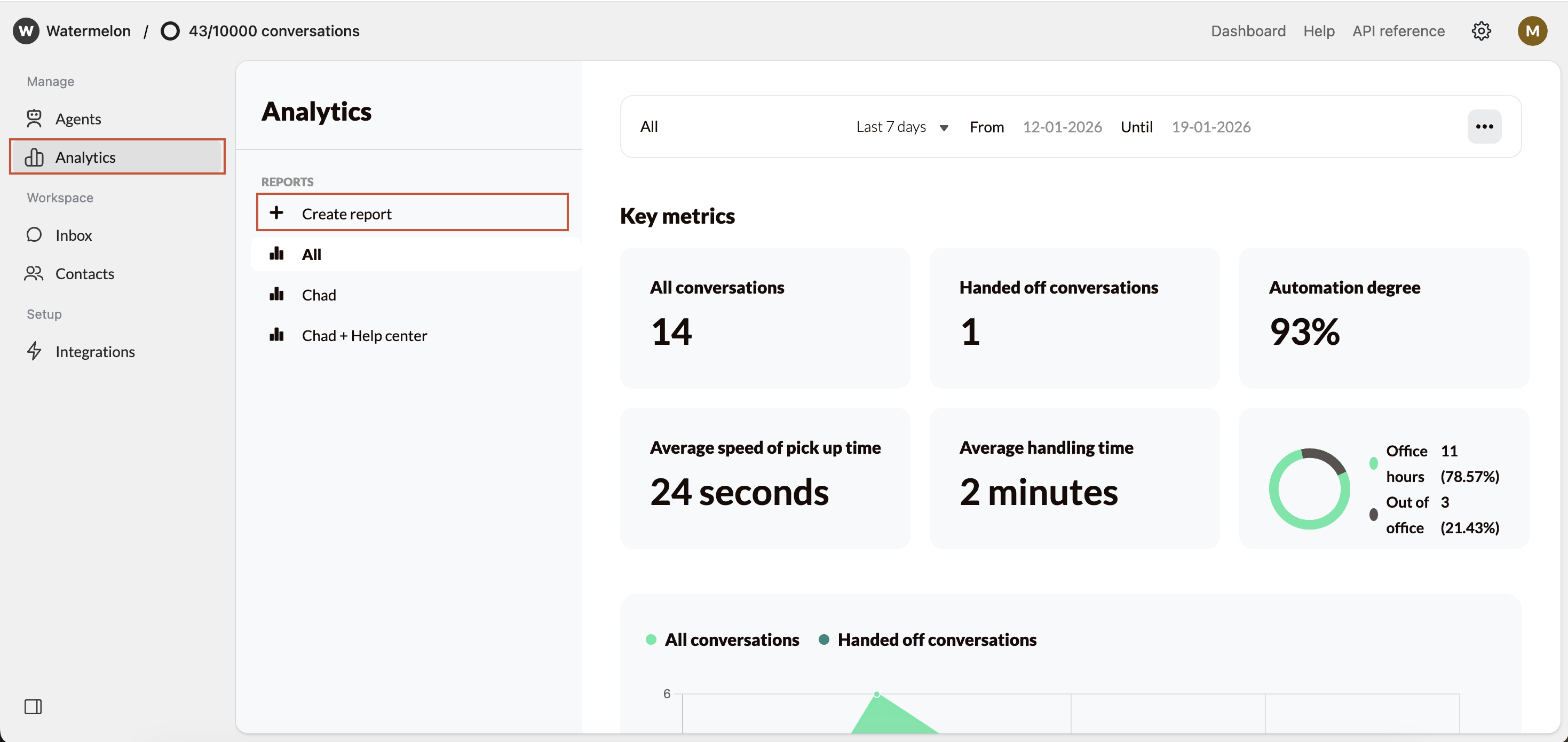
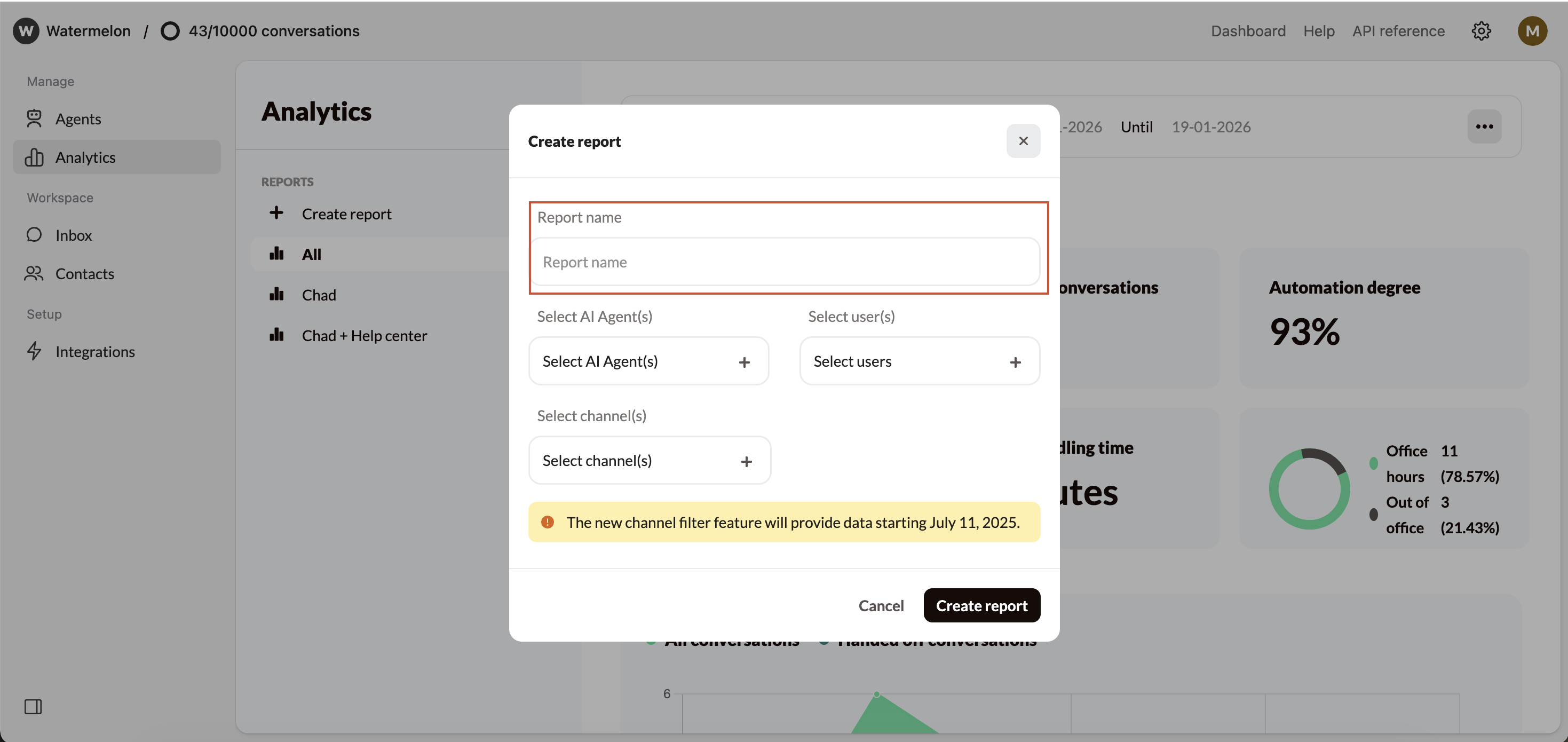
Choose what your report should show
When creating a custom report, you can select: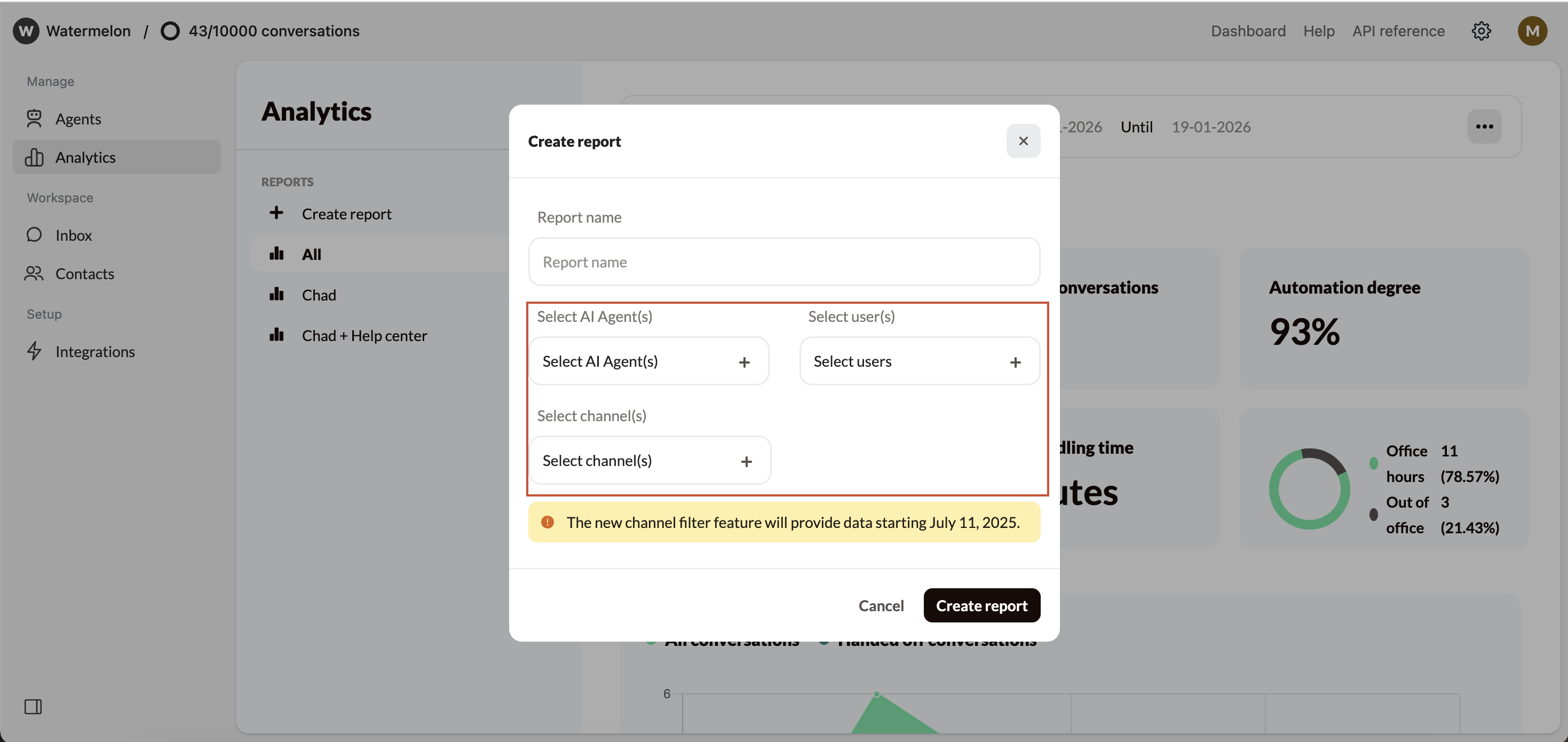
- AI Agent(s): View and compare statistics for one or more AI Agent(s).
- User(s): Filter by (a) specific team member(s) to analyze performance per human agent.
- Channel(s): See statistics for (a) specific channel(s).
It’s not possible to select both AI Agents and users. This feature will be available in the future.