For this feature you need ‘Automate tags’. Find more information in this article.
Conversation topics
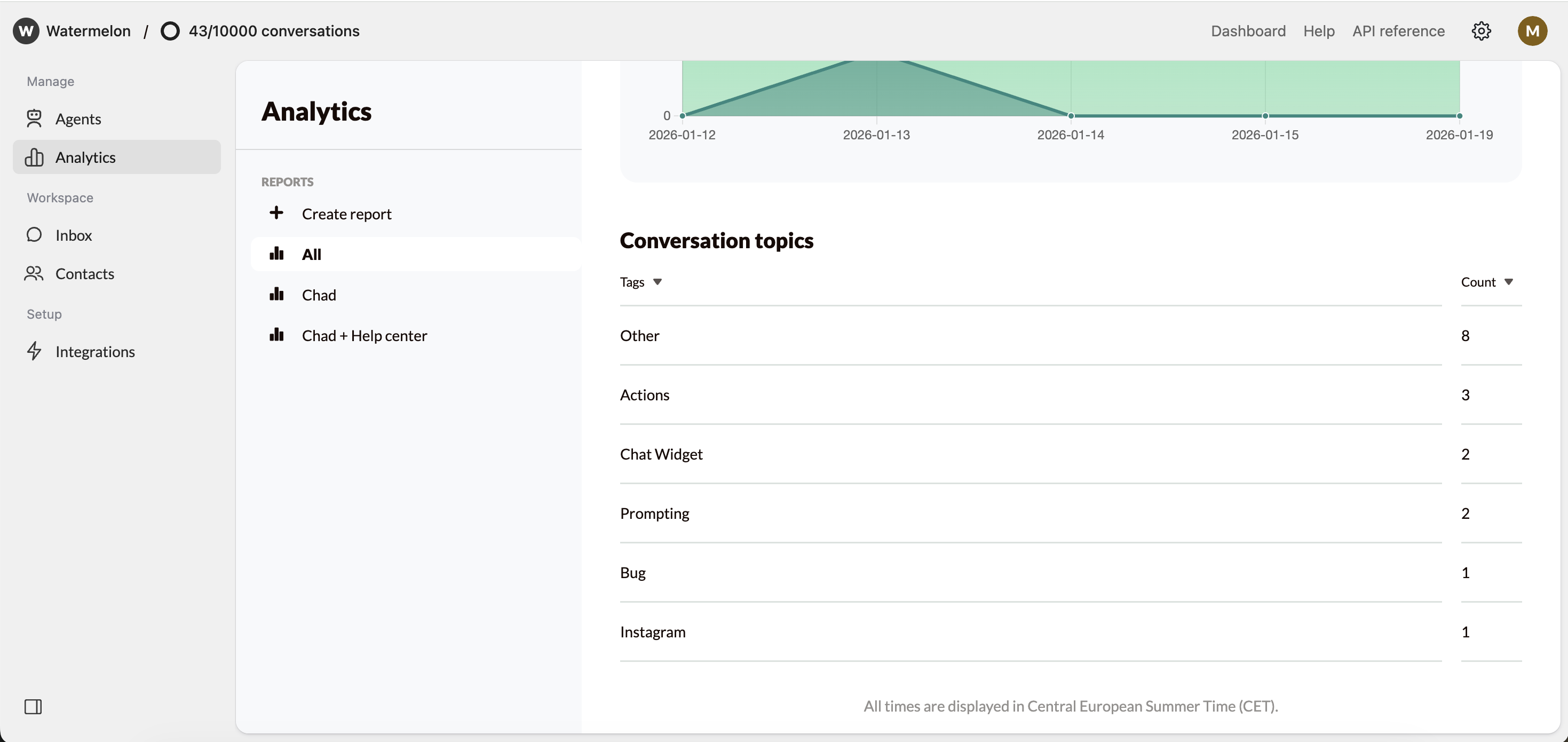
Conversation topics give you a clear overview of the main themes that appear in your conversations during a selected time period. Each conversation can be linked to one or more topics, shown in the Inbox as Tags. These tags can be:- Automatically added by your AI Agent using Automatically add tags during the conversation
- Manually added or adjusted by a human agent during or after the conversation
Conversation topics in Analytics
You can find Conversation topics by navigating to Analytics in the left-hand menu and scrolling down the overview. In this view, you’ll see your tags (topics based on tags from the AI Agent or human agents) and the count, showing how many times each topic appeared in the selected time period.The date picker at the top of the page influences the data displayed in Analytics, including the conversation topics.