

Why use hyperlinks?
Long URLs clutter the conversation and interrupt the reading flow. Hyperlinks keep your responses clear, helpful, and consistent with your brand.With hyperlink formatting: Click here
Add the Instruction to Your Agent
To activate hyperlink formatting, simply add the instruction below to your AI Agent’s Instructions.
Whenever you provide a url, never show the raw or long URL. Always make it a clickable hyperlink using the format: click hereThis tells your agent exactly how to format links in all conversations.
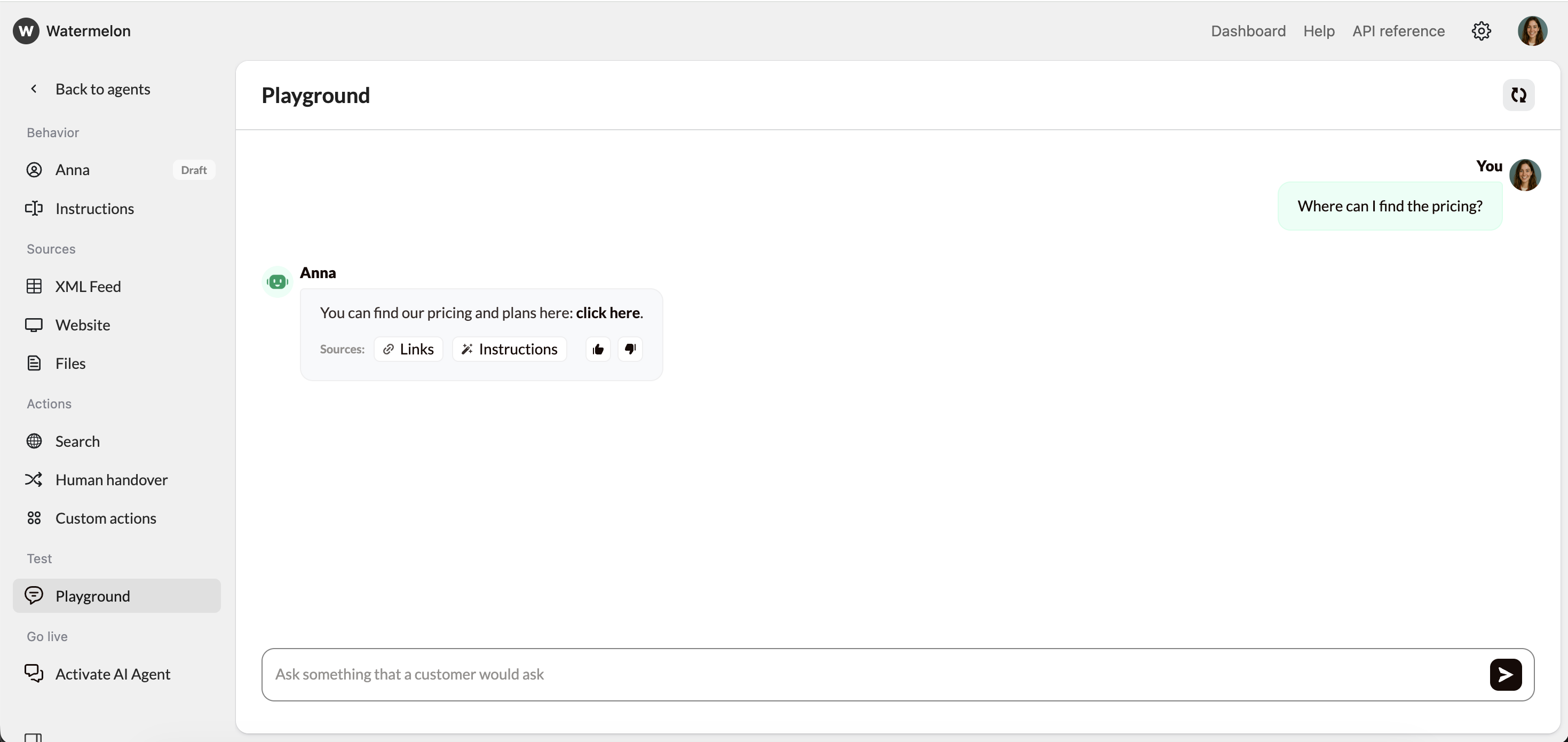
Example interaction
User: Where can I find the pricing?
AI Agent: You can find our pricing on the official Watermelon pages:If you tell me your expected number of Agents, users, or monthly conversations, I can recommend the best plan for your needs.
- For an overview of plans and public pricing, click here.
- For detailed plan features, conversation limits, and add-ons, click here.
Best practices
- Use descriptive anchor text when possible (e.g., View pricing, Download guide, Register here).
- Only use hyperlinks when they add value to the user.
- Test multiple example questions to confirm consistent formatting.