Thumbs up/down
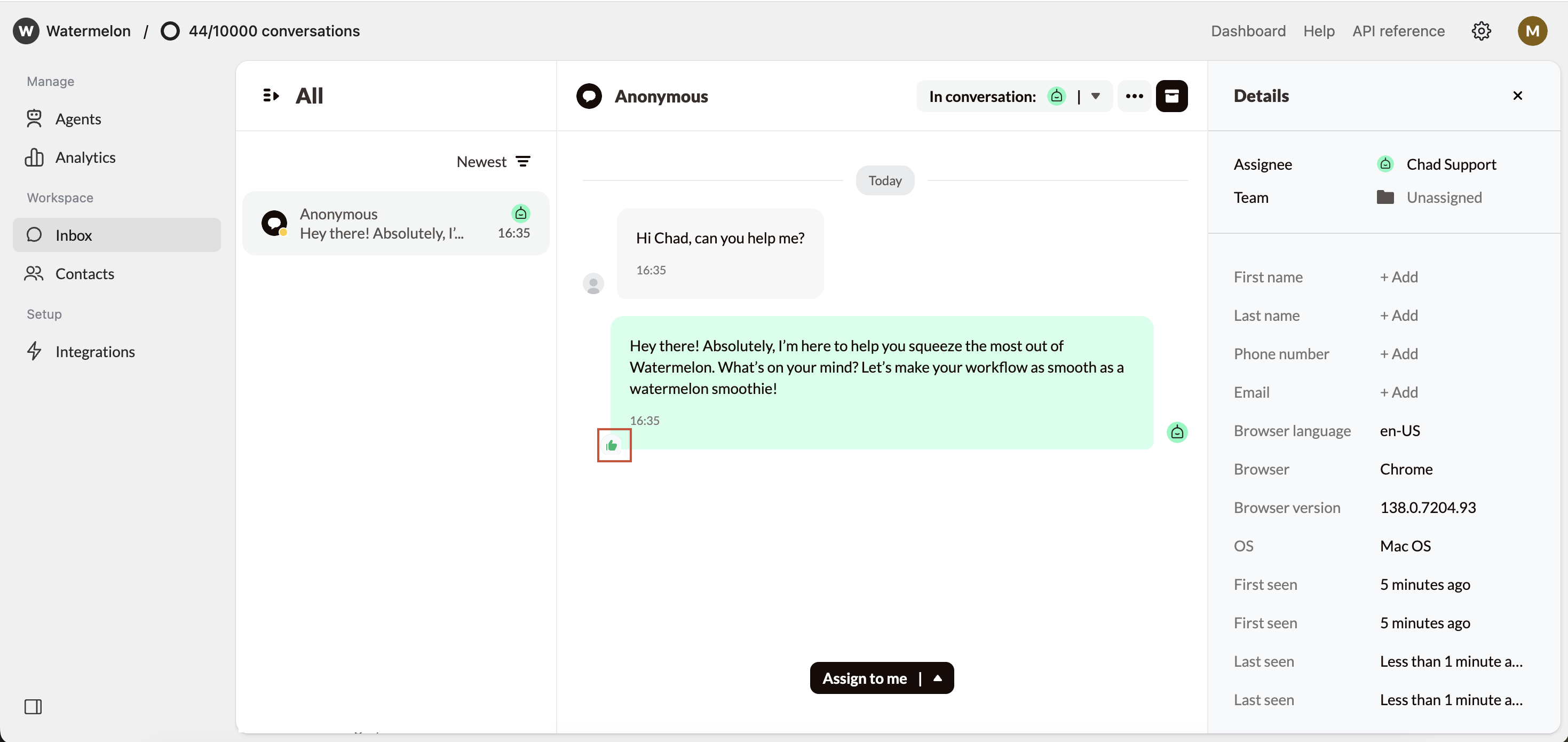
End users can give a thumbs up or thumbs down for each response in the Chat Widget. This gives you quick insights into which answers are well received and where there may be room for improvement. To do so, they click the thumbs button and select up/down. This feedback cannot be customized or triggered manually by the Agent.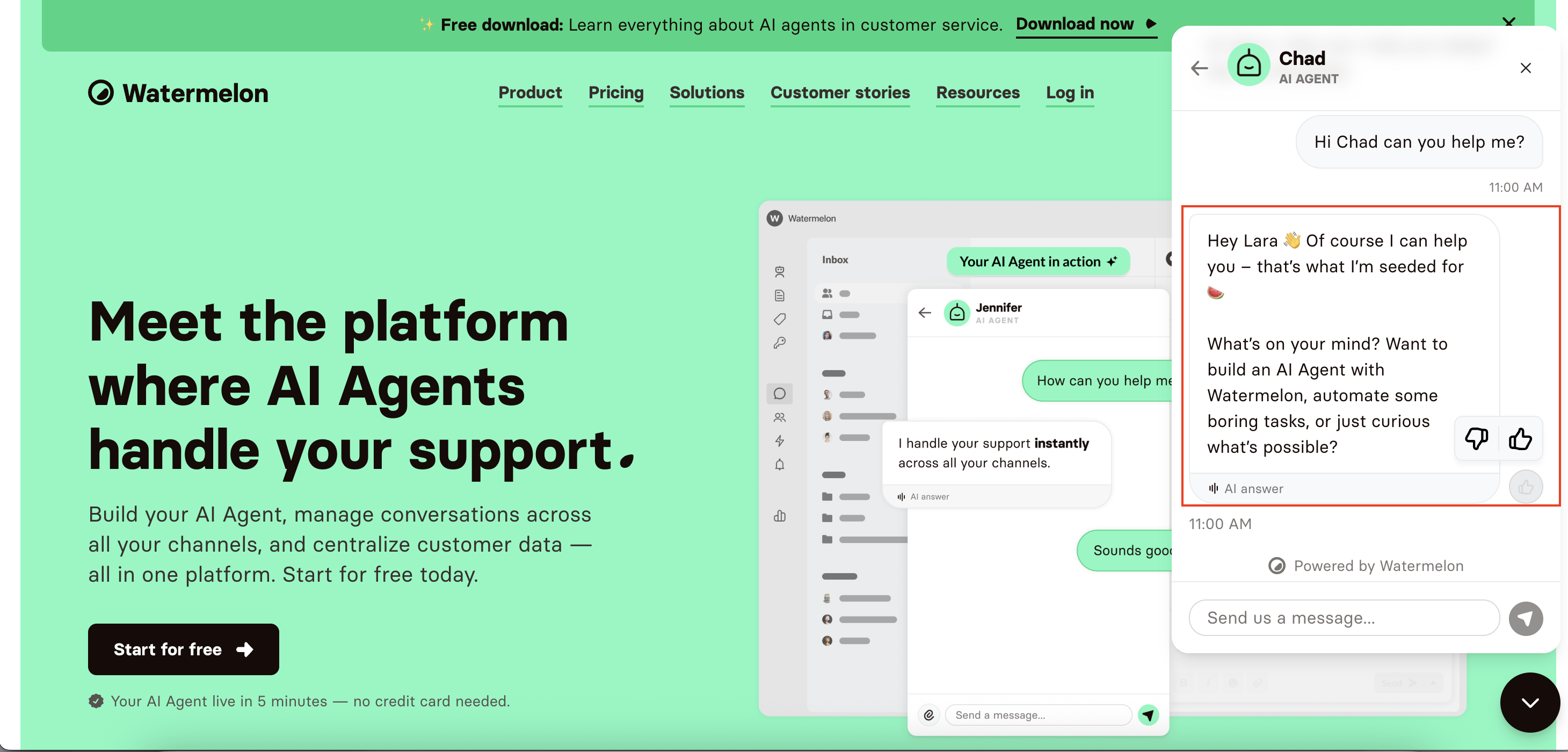
Have the Agent ask for feedback
You can instruct the Agent to ask for feedback at the end of a conversation. This can be configured in Guardrails. Add an instruction such as:Ask for feedback at the end of the conversation. Include an URL to our feedback page [URL].
This question will only be asked if it is clear to the Agent that the conversation has ended.
For now, feedback will not be requested if a user closes the chat immediately after receiving an answer.
For now, feedback will not be requested if a user closes the chat immediately after receiving an answer.
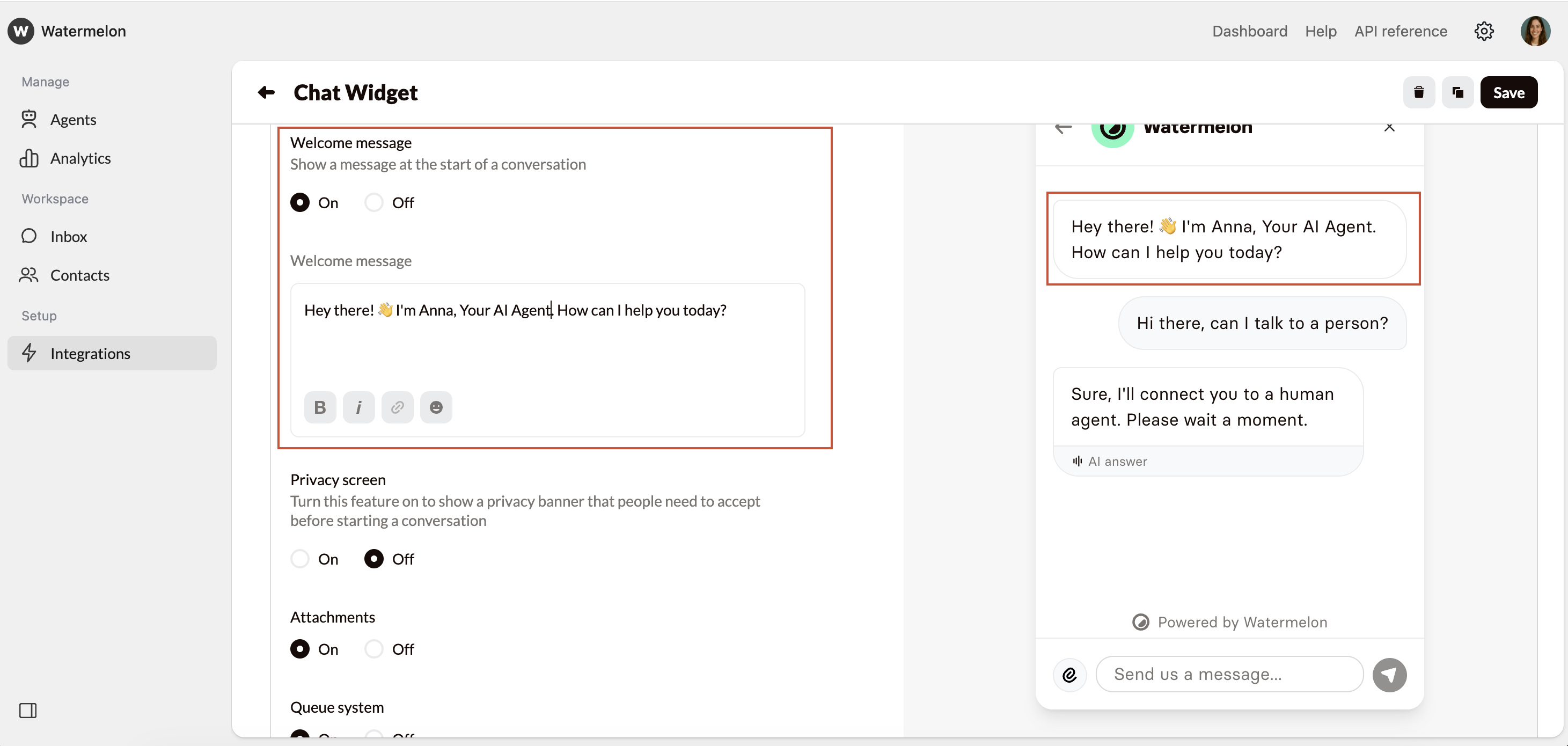
Request feedback in the Welcome message
Another way to request feedback is via the Welcome message of the chat widget. You can include a link to a feedback form, for example. This allows you to invite users at the start of the conversation to share their opinion. Example:Our AI Agent is still learning. Help us improve by sharing your feedback through this form [URL] after the conversation.You can update this text in the Chat Widget settings.